
Start with your saz.
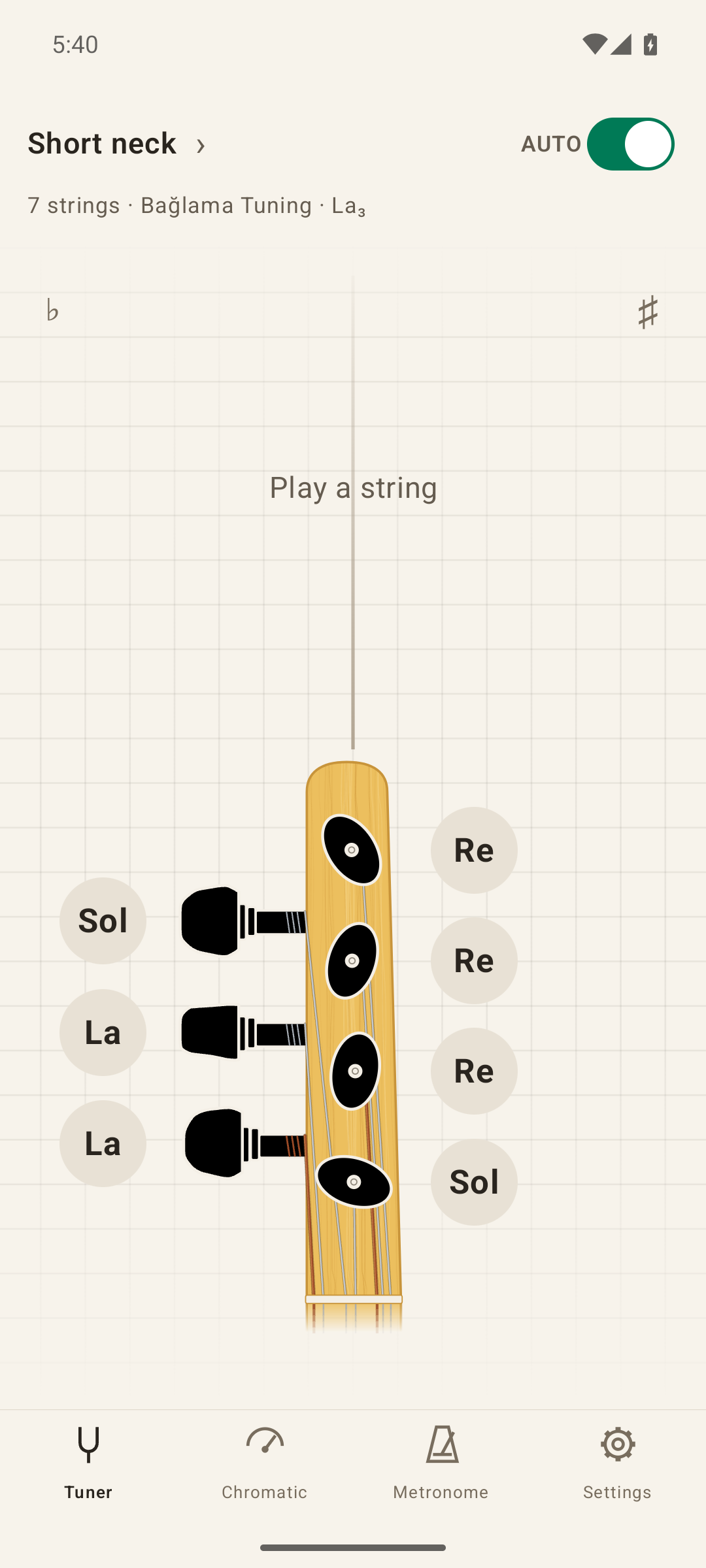
Choose a short or long neck, 6 or 7 strings, your düzen, and your key note (karar). See the target notes laid out beside the tuning pegs.
 Bağlama Tuner
Made for your bağlama
Tune one string at a time. Hear the note you’re aiming for. Find your rhythm with a built-in metronome.
A little help before you play. A steady beat while you practice.
Free to download. Optional Premium on iOS.
01Short & long neck
026 or 7 strings
03Reference tones
04Tuning & rhythm
From the first string to the last beat
Built around the way you tune a saz, with your instrument, düzen, and key note at the heart of it.
Feature details below describe the iOS app. Android features may vary by version.
Choose a short or long neck, 6 or 7 strings, your düzen, and your key note (karar). See the target notes laid out beside the tuning pegs.
Tap a string to play its reference tone. Let the tuner detect the string automatically, or select one yourself to focus on a single note.
Watch the live pitch guidance as you adjust. Tuned strings are marked as you go, with optional sound and vibration feedback when you reach the note.
Your instrument. Your düzen.
Bağlama and Bozuk/Kara are included free. Explore the full collection of 19 düzens with Premium on iOS.
The tuning collection
Stay for the practice
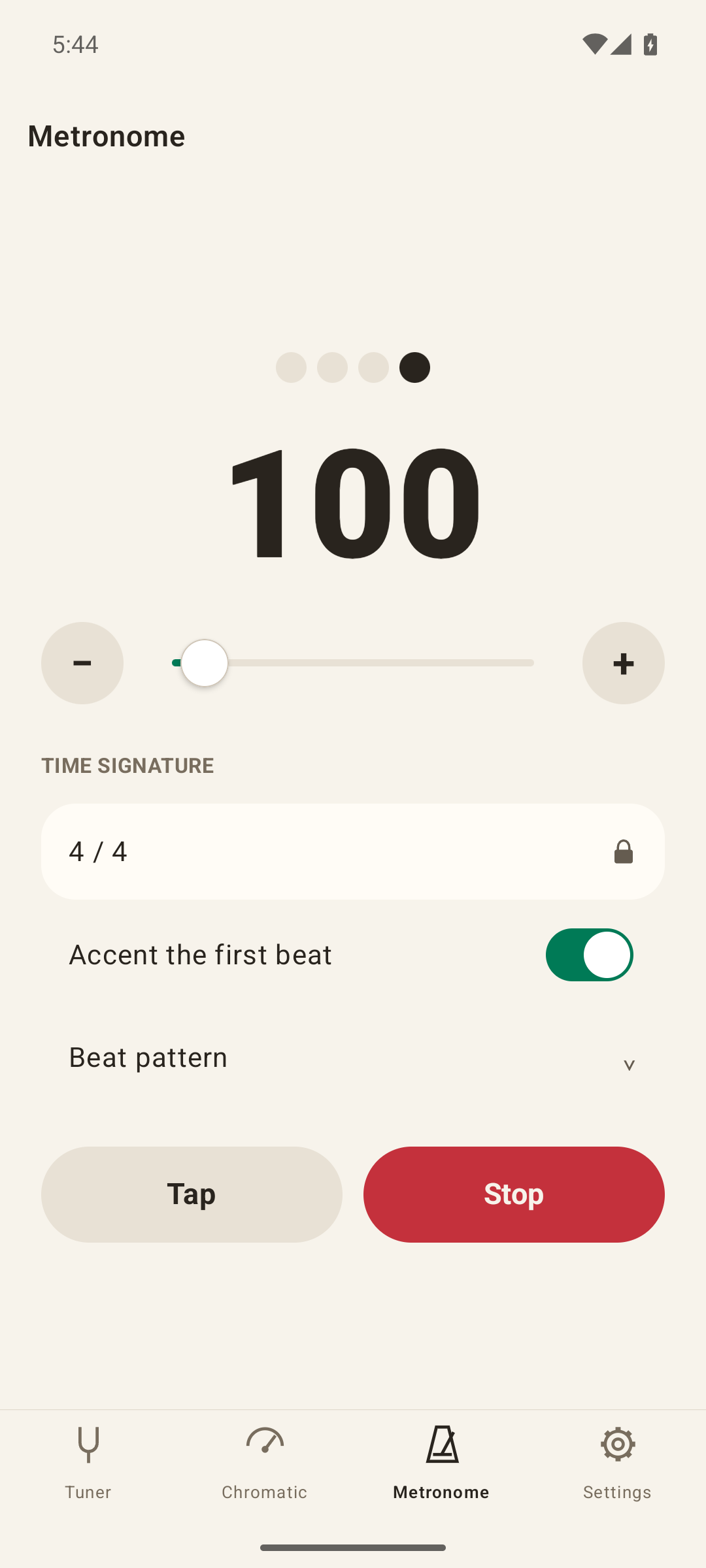
Once your strings are ready, give your playing a steady pulse. Your metronome is right there in the app.
Set the speed with the slider, use the step controls, or tap in the beat.
Follow the beat lights. Choose strong, normal, soft, or silent accents for each beat.
The 4/4 metronome is free. Premium on iOS unlocks custom time signatures, with 1–12 beats and half, quarter, eighth, or sixteenth note values.
A tuner that feels like yours
The tuner supports short and long neck bağlamas with 6 or 7 strings. Choose the düzen and key note that suit your instrument. If you’re unsure about the correct key or octave, check with your teacher or instrument maker before tightening your strings.
On iOS, you can tune in Bağlama and Bozuk/Kara, choose your neck type, string count and key note, play reference tones, and use the 4/4 metronome. Note notation, tuning tolerance, feedback, and appearance settings are also included. The free version has ads.
The app uses your microphone to hear the string you play and show how its pitch compares with the target note. Allow microphone access when prompted to use live tuning.
Open Premium in the iOS app and choose a yearly subscription or a one-time lifetime purchase. Prices are shown before you buy. If you’ve already purchased Premium, use Restore Purchases in the app.
Yes. You can download it on Google Play. The feature descriptions and Free/Premium comparison on this page are for iOS; Android features and purchase options may vary by version.
Your next practice starts here
Bring your saz. We’ll bring the tuner.